
Leaving Google Photos: Would You Choose Immich, Ente or a Simple Backup?
Some links in this article are affiliate links. If you buy through them, I may earn a commission at no extra cost to you.
It starts with a storage warning. Then you look at the years of photos on your phone, the next subscription tier, and the server already running at home.
Surely there is a good way to put all of this together.
A discussion about alternatives to Google Photos brings up the obvious candidates, including Immich and Ente. They are worth investigating, but I would first decide which part of the existing service I want to replace.
Automatic uploads, searching old pictures, sharing an album with family and recovering from a failed disk aren’t exactly the same job.
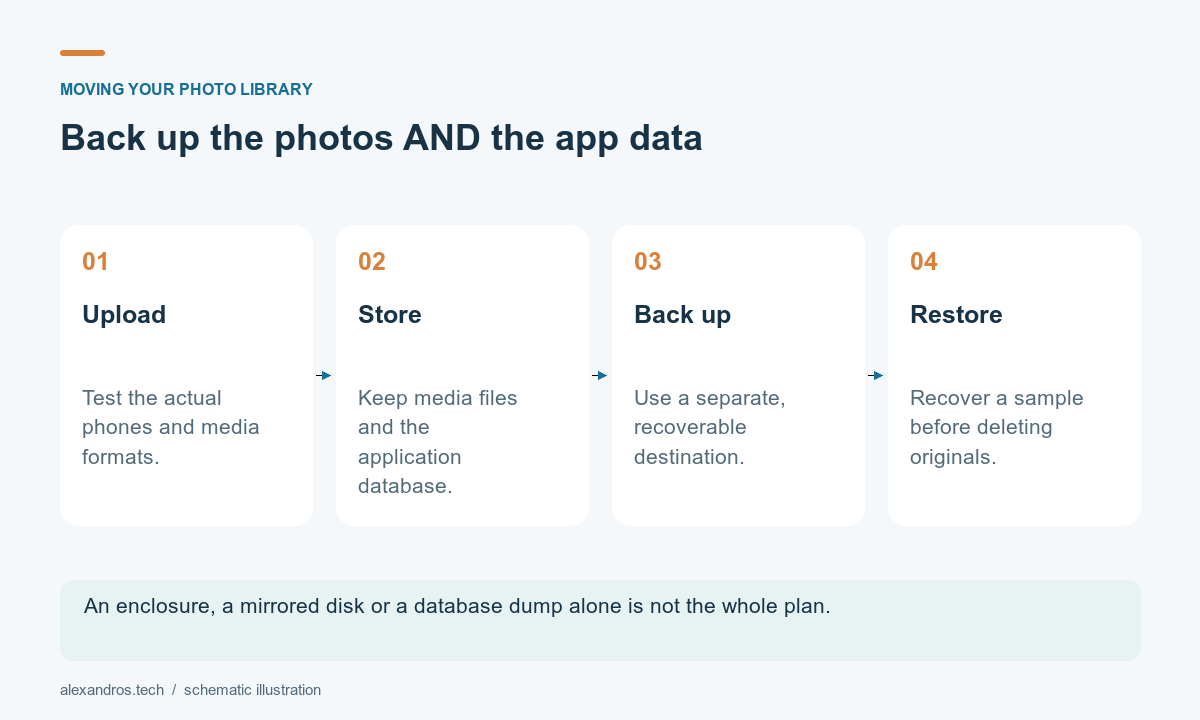
Write down what you would miss
I would make the list before setting up a new server:
- Automatic uploads from the actual phones in the house
- Browsing by date and finding older images
- Sharing with people who don’t want to manage a server account
- Support for the photos and videos already in the library
- Exporting the originals again
- Recovering the collection if the storage fails
Then I would try those tasks with a small sample. A few ordinary photos are useful, but also include videos, edited files and any special formats you use.
Do this before making the new service the only place holding anything important.
Immich: run the photo service yourself
Immich’s quickstart gives a route to trying a self-hosted photo service. Check its current requirements rather than guessing from the age of a spare computer.
Its mobile backup documentation covers automatic uploading from selected albums and platform-specific behavior. Background operation is affected by the phone’s operating system and settings, so I would test the actual phones involved.
For someone already interested in self-hosting, this can fit naturally into a home server. You also take responsibility for storage, updates, access and recovery.
I would begin with an existing suitable machine, rather than treating the software as an immediate reason to buy a large NAS. Measure the workload and storage growth first.
Ente: investigate a managed alternative
Ente Photos is worth comparing when the goal is a managed service with end-to-end encryption and less server administration. Its product documentation describes cross-platform apps, sharing and photo-management features.
I would check the current plan, the family’s required storage, and how the import and export behave with the sample library. Privacy, convenience and cost all belong in that comparison.
An encrypted service also makes recovery information important. Follow the current account-recovery guidance and keep the material needed to regain access somewhere suitable.
Changing provider is useful only if the resulting workflow fits the people who need to use it.
A folder backup may be enough for part of the problem
If the immediate need is another copy of the original files, you may not need a new photo application first.
A scheduled copy to another storage device, with an appropriate off-site backup, can address the backup requirement while you evaluate browsing and sharing separately.
That approach won’t automatically provide a polished phone app or face search. It gives you a clearer starting point and a way to avoid making the migration urgent.
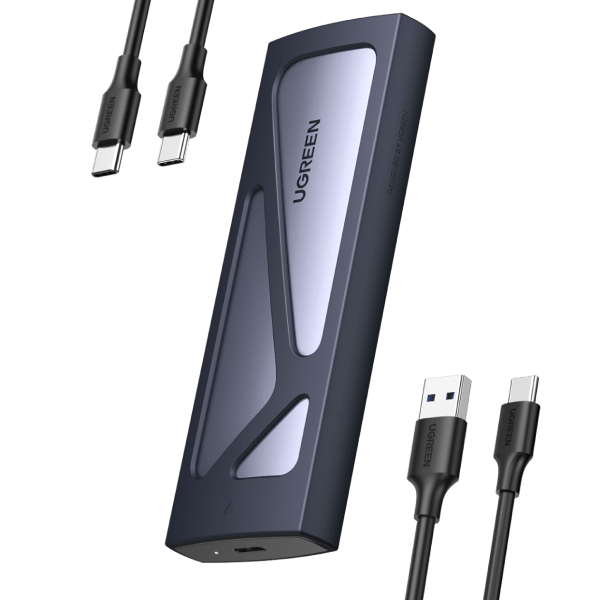
If you already have a spare NVMe SSD, a UGREEN M.2 NVMe 10Gbps enclosure is one example to compare for an external copy. It needs a compatible SSD, which is separate; check supported sizes and the host connection. An enclosure alone does not create a backup schedule or an off-site copy.
For cloud backup, compare the actual product being offered. Backblaze B2, for example, is object storage that needs a suitable workflow or backup application. It is different from subscribing to an ordinary desktop backup service, and it isn’t a photo-gallery replacement by itself.
Keep the application and the files recoverable
Immich’s backup guidance explicitly covers both media files and the database. A database backup alone doesn’t contain the photographs and videos.
Make a restore test part of the trial. Pick a separate test environment or follow the documented recovery procedure without overwriting the working library.
The test should answer a practical question: if the main storage disappeared, could I recover both the pictures and the application information I care about?
A second copy on the same failing system doesn’t cover every way that system can be lost.
Migrate in stages
Google Takeout provides an export route for Google data, including photos. Downloading an archive doesn’t delete the data from Google’s servers.
I would keep that separation deliberate. First export, then inspect, then test importing into the chosen destination. Check dates, albums, representative media formats and whether the original files can be opened outside the new service.
Keep the original collection while verifying the replacement. File counts can help spot problems but aren’t sufficient proof by themselves, especially when exports or applications represent related files differently.
Ideally, “liberating my photos” should not end with “which drive were my photos on?”
How I would choose
| Main goal | Starting point |
|---|---|
| Learn and operate a home photo service | Trial Immich with representative files |
| Use a managed encrypted photo service | Trial Ente and its recovery/export workflow |
| Get another recoverable copy quickly | A suitable backup workflow |
| Support the whole family | Test uploads and sharing with their actual devices |
I would postpone deleting anything until the new setup had worked through normal use and a recovery test. There is plenty of room to experiment with self-hosting. The only copy of the family photos is a poor place to start that experiment.